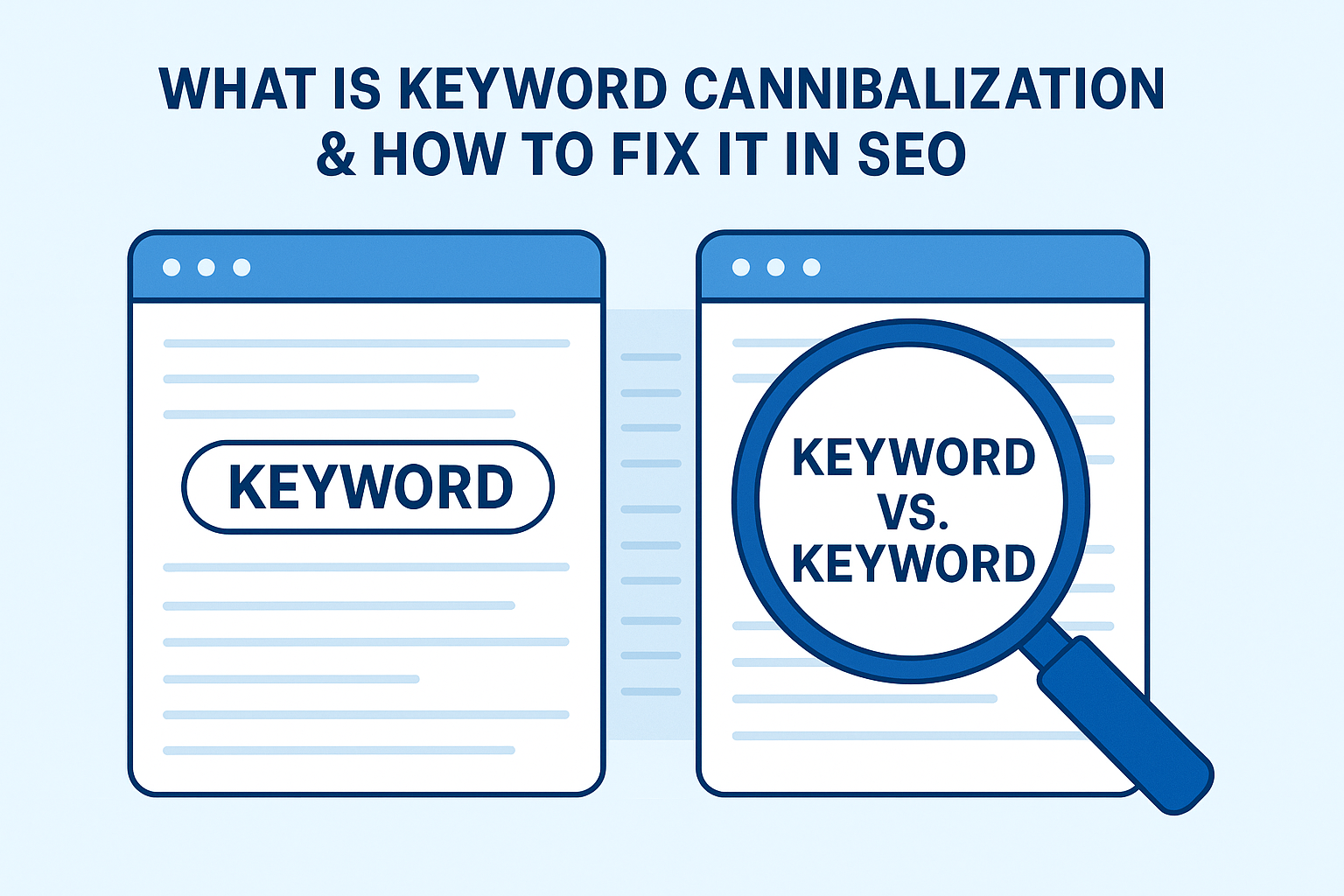
If you’ve ever published multiple articles about the same topic and then wondered why none of them rank properly, you’re not alone.
Most of us have done this at some point — especially when we’re excited about a niche or trying to cover every angle of a keyword. We create great content, but instead of helping, those similar pages end up competing against each other.
That silent tug-of-war between your own URLs? That’s keyword cannibalization.
Let’s unpack what it really means, why it’s more common than people think, and how to clean it up without wrecking your SEO.
What Is Keyword Cannibalization?
Picture this: you have two blog posts.
- One is titled “The Best Free SEO Tools.”
- The other is “Top SEO Tools You Should Try.”
Different titles, same intent, same keyword.
Google now has to decide which one to show. Sometimes it picks one today and the other tomorrow. Sometimes, it shows neither consistently.
That’s keyword cannibalization — when multiple pages on your site target the same keyword or intent, forcing search engines to choose between them.
Instead of building authority, you’re splitting it. It’s like having two salespeople pitch the same customer — they talk over each other, and the deal falls through.
Why It Happens (Even to Smart SEOs)
Keyword cannibalization isn’t a rookie mistake — it happens naturally as websites grow.
Here’s how it usually sneaks in:
- Too many similar blog topics.
You publish “How to Do Keyword Research,” “Keyword Research Guide,” and “Keyword Research Basics.” Each post overlaps 70% of the same content. - Product or service pages with identical focus.
E-commerce stores often optimize several near-identical products for the same keyword, like “black running shoes.” - Outdated posts that were never merged.
Over time, older blogs lose relevance but still target the same keyword as your new one. - Tag and category pages competing with articles.
This happens when you optimize your category descriptions like normal posts. - Auto-generated SEO metadata.
Some plugins recycle the same meta titles or descriptions, creating unintentional duplicates.
Even established brands fall into this trap. A well-known SaaS company once found 12 pages competing for “pricing strategy.” Once they merged them, their organic traffic jumped by nearly 40% in two months.
Why Keyword Cannibalization Hurts SEO
At first glance, having multiple pages on the same keyword feels like hedging your bets — more coverage, more chances, right?
Not exactly. Here’s what really happens behind the scenes.
🧩 1. You Split Your Link Equity
If five pages get five backlinks each, none of them look as authoritative as one page with twenty-five. Google divides link signals between them, weakening all.
🔍 2. You Confuse Search Intent
Search engines can’t tell which page satisfies the user best. One might be a guide, the other a checklist. That indecision makes rankings unstable.
🌀 3. You Waste Crawl Budget
Googlebot revisits similar pages again and again, trying to decide which matters most. Meanwhile, your newer pages take longer to get indexed.
📉 4. You Hurt Click-Through Rates
If two of your pages show up in the same search result, each gets fewer clicks. CTR drops, and over time, so does visibility.
Instead of building a clear signal, you create noise — and search engines don’t reward confusion.
How to Identify Keyword Cannibalization
You don’t need fancy tools to start spotting issues. Begin with curiosity and a few simple tricks.
1. The “Site:” Search Method
Type this into Google:
site:yourdomain.com "target keyword"
If multiple URLs show up, you’ve likely got overlap. It’s fast, free, and surprisingly revealing.
2. Use Google Search Console
Go to Performance → Search Results → Queries.
Click on a keyword and see how many URLs receive impressions for it.
If you see several URLs for the same query, you’re splitting relevance.
3. Audit with an SEO Tool
Tools like Ahrefs, Semrush, or SE Ranking have “Keyword Cannibalization” or “Position History” reports. They highlight where multiple pages rank for identical terms.
4. Manual Spreadsheet Check
Create a sheet with:
- Column A: Keyword
- Column B: URL
- Column C: Average Position
- Column D: Notes
Sort by keyword and look for duplicates.
You’ll start seeing patterns — multiple URLs fighting for the same SERP position.
How to Fix Keyword Cannibalization (Step-by-Step)
Fixing it doesn’t mean deleting everything. It means choosing what deserves to stay and helping it shine.
Step 1: Pick a Winner
Decide which page best satisfies the keyword.
Ask: which one has better backlinks, traffic, and content depth? That’s your “canonical” page.
Step 2: Merge Similar Pages
If two or more pages serve the same intent, combine them.
Copy over any unique sections from the weaker ones, then redirect those URLs (301) to the chosen page.
This way, you keep all the authority, traffic, and backlinks under one roof.
Step 3: Clean Up Internal Links
Search your site for old internal links pointing to the removed pages.
Update them so they all lead to your main page — this signals clarity to search engines.
Step 4: Refresh Content Naturally
After merging, lightly re-optimize the remaining page.
Use related terms, examples, and FAQs. Don’t just stuff the same keyword — make it read like a complete guide.
Step 5: Reindex the Page
Use URL Inspection → Request Indexing in Search Console.
This nudges Google to prioritize your updated version faster.
A Real-World Story
A mid-sized marketing agency noticed their blog traffic plateaued despite posting weekly. After some digging, they realized five articles were competing for the same keyword — “email marketing strategy.”
Each had backlinks, but none ranked above page two.
They merged the strongest sections into one ultimate guide, redirected the rest, and refreshed the title and meta tags.
In six weeks, that single guide climbed to position three, bringing in triple the traffic.
Sometimes, fewer pages mean stronger results.
How to Prevent It from Happening Again
Prevention is easier (and cheaper) than cleanup. Here’s how to keep things tidy long-term.
1. Build a Keyword Map
Before writing a new post, check if that keyword already exists on your site.
Keep a shared sheet or Notion database listing:
- Primary keyword
- URL
- Intent
- Status (published, draft, archived)
This one habit can save you months of confusion later.
2. Organize Content by Topics
Think in clusters, not individual posts.
Have one main pillar page — say “Keyword Research” — and connect related subtopics like “Keyword Tools,” “Search Intent,” and “Long-Tail Keywords.”
Internal links should point back to the pillar, signaling hierarchy.
3. Write with Intent in Mind
Two pages can use the same keyword safely if they serve different intents:
- “What Is Keyword Research?” (informational)
- “Buy Keyword Research Tool” (transactional)
Different goals, no conflict.
4. Refresh Old Posts
Every few months, review your content list. If two pages overlap, merge or redirect early.
5. Use Unique Metadata
Never reuse identical titles or descriptions. Subtle differences help search engines tell your pages apart.
How to Tell You’ve Fixed It
When cannibalization is fixed properly, you’ll notice:
- Rankings stabilize instead of fluctuating.
- Impressions rise for the preferred URL.
- Other URLs drop out (that’s good — it means clarity).
- Your CTR improves because one consistent page appears for each query.
It’s a quiet improvement — but a powerful one.
Key Takeaways
- Keyword cannibalization happens when multiple pages compete for the same term.
- It confuses search engines and weakens rankings.
- Identify it using Google Search Console or site searches.
- Fix it by merging, redirecting, and re-optimizing your strongest page.
- Prevent it with a keyword map, internal linking strategy, and content hierarchy.
SEO isn’t about publishing more — it’s about publishing smarter.
FAQ
1. What causes keyword cannibalization?
Publishing multiple pages with similar intent or optimizing duplicate metadata often triggers it.
2. Is it okay if two pages rank for the same keyword?
Yes, as long as they target different search intents. One can be informational, the other transactional.
3. Should I delete old content?
Only if it’s thin, outdated, or redundant. Otherwise, merge it and redirect — that preserves backlinks.
4. How do I spot it quickly?
Use the site: search trick or check Search Console for duplicate URLs ranking for one query.
5. How often should I check for it?
Quarterly content audits are ideal for active blogs or eCommerce sites.